Amplify Desmos Math for San Diego
Hello San Diego math educators,
Welcome to Amplify Desmos Math! We’re confident you’ll find this to be a powerful and effective program for getting all your students talking and thinking about math concepts together.
On this site, you’ll find a variety of resources to guide you in learning more about what Amplify Desmos Math has to offer.
Figuring out Problem-Based Learning
Figuring out how to implement a problem-based learning approach to mathematics can be fun and challenging. Rest assured that you will not be alone on this journey. Amplify will be by your side every step of the way.
In the short videos below, Fawn Nguyen (Amplify Math Specialist, Former Math Coach and Teacher) and John Hoogestraat (Desmos Product Specialist, Former Math Coach and Teacher) share their thoughts about the power of Amplify Desmos Math.

Amplify Desmos Math: Supporting Math Practices
Amplify Desmos Math: Teacher Time-Saving Tools
Amplify Desmos Math: Capturing Student Thinking
Amplify Desmos Math: What a Classroom Looks and Sounds Like
About Amplify Desmos Math
Amplify Desmos Math, based on the highly-rated Illustrative Mathematics curriculum IM K–12 Math™, is designed around the idea that a core math curriculum needs to serve 100 percent of students in accessing grade-level math every day.
By joining forces with Desmos Classroom, Amplify is changing the conversation around math instruction—for both students and teachers.
- Engaging, discourse-rich math lessons that are easier to teach.
- Flexible, collaborative problem-solving experiences both online and off.
- Real-time insights that make student thinking more transparent.


Planning for instruction
To start using Amplify Desmos Math quickly in your classroom, check out the following onboarding videos, guide, and planning resources. They cover what you need to know to get started fast.
Onboarding videos and guides
- SDUSD Amplify Desmos Math – Remote
- SDUSD Amplify Desmos Math Accelerated – Remote
- SDUSD Amplify Desmos Math August Training Participant notebook
- SDUSD Amplify Desmos Math September Training Participant Notebook
- SDUSD Amplify Desmos Math November Training Participant Notebook
Standards Correlation

Lesson Sampler
Amplify Desmos Math delivers the instructional power of student-centered learning packaged in a lesson format that is teacher-friendly and manageable.
With easy-to-follow instructional support, implementing a problem-based program becomes more effective and enjoyable for both you and your students. Paired with the Desmos Classroom digital experience, math class becomes fun and dynamic, with plenty of opportunities for students to talk through their reasoning, work with their peers, and gain new understandings.




Additional features
Universal design
Every student is brilliant, and every student has brilliant mathematical ideas worth sharing and cultivating. Incorporating principles of Universal Design for Learning (UDL) into lessons brings their brilliance to the forefront. UDL is a research-based framework designed to ensure that all learners can access and participate in meaningful, challenging learning opportunities.

Diversity and representation
Helping students develop strong, healthy, and flexible math identities is a cornerstone of our program. Throughout the curriculum, students will be taught that they themselves are mathematicians, that today’s math was largely shaped by a diverse range of mathematicians who deserve to be learned about, and that learning is never finished.

Assessments
Less exciting, but essential for learning—assessments. Amplify Desmos Math will feature a robust variety of formative and summative assessments, including: readiness checks, exit tickets, quizzes, end-of-unit tests, benchmarks, and CAASPP practice.

Reporting
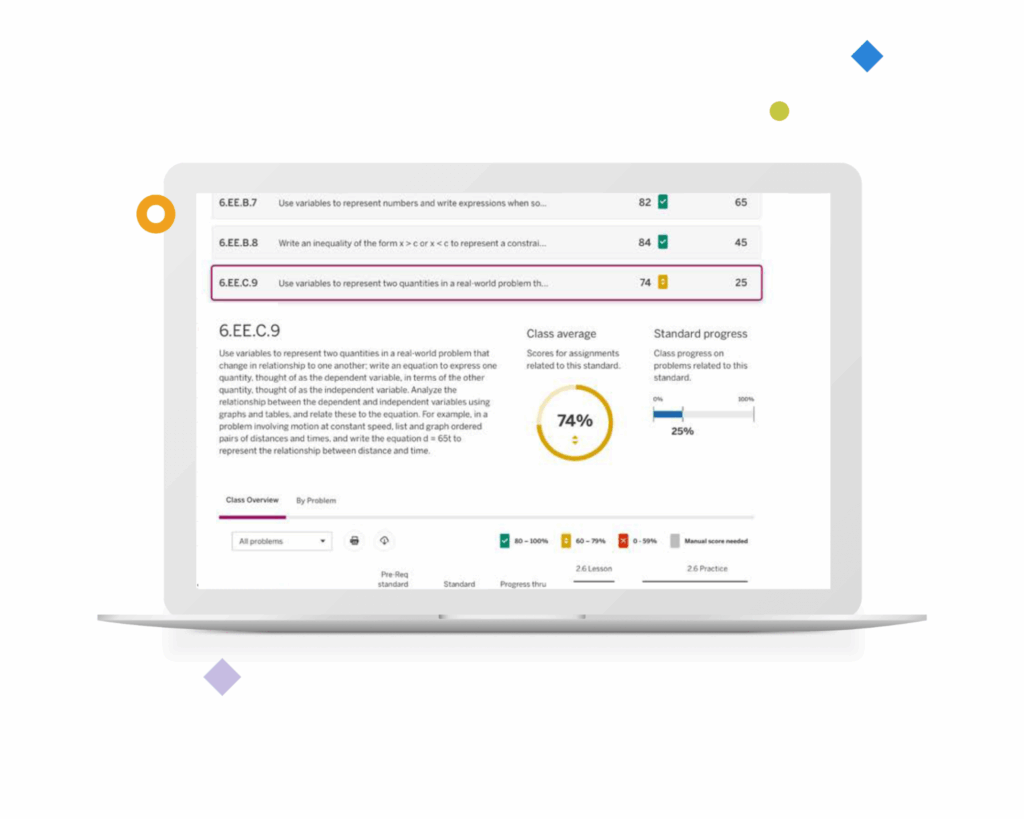
Not only will our reports show progress toward standards mastery, they will include detail on how students performed against the standard in the past and how many more encounters are yet to come. This feature alone helps teachers prioritize instruction and intervene with additional resources when necessary.
Featuring Desmos Math 6–A1
Desmos Math 6–8 is based on the highly rated IM K–12™ curricula from Illustrative Mathematics. It has also earned a perfect all-green rating by EdReports.
Unlike other IM-based lessons, ours require less prep and are easier to teach. Plus, our more visually rich activities and engaging on-ramps to learning make our lessons accessible to all students.

Desmos Classroom digital lessons
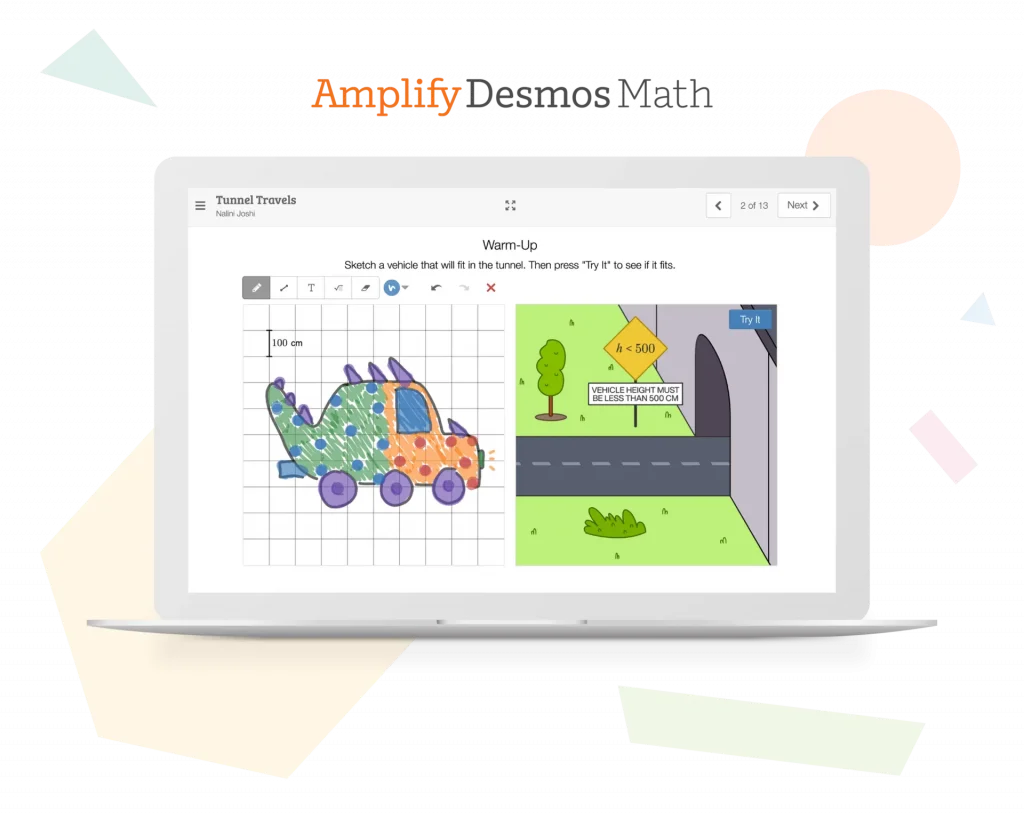
Digital lessons should be powerful in their ability to surface student thinking and spark interesting and productive discussions. We’ve joined forces with Desmos Classroom to bring this vision to life with a complete library of interactive, collaborative lessons.

Engaging student experience
Relevant content and interactive math tools create an intuitive and engaging student experience. Plus, working together in real-time allows students to see that communicating their ideas and learning from each other are important parts of math class.

Visibility into student thinking
Imagine having more visibility into your students’ mathematical thinking. Now imagine students have access to this same information. With our collaborative lesson interface and teacher dashboard, students can’t hide. What’s more, they have visibility into the thinking of their peers—exposing them to a wider variety of approaches to solving the same problem.

Ready-to-teach lessons
Each grade-level includes 150 ready-to-teach lessons complete with slides, step-by-step teaching notes, suggested student and teacher responses, tips for incorporating instructional routines, support for developing mathematical language, and links to useful resources. Teachers can also control what slides students see, giving teachers the ability to control the pace of the lesson to suite the needs of the class.

Looking for help?
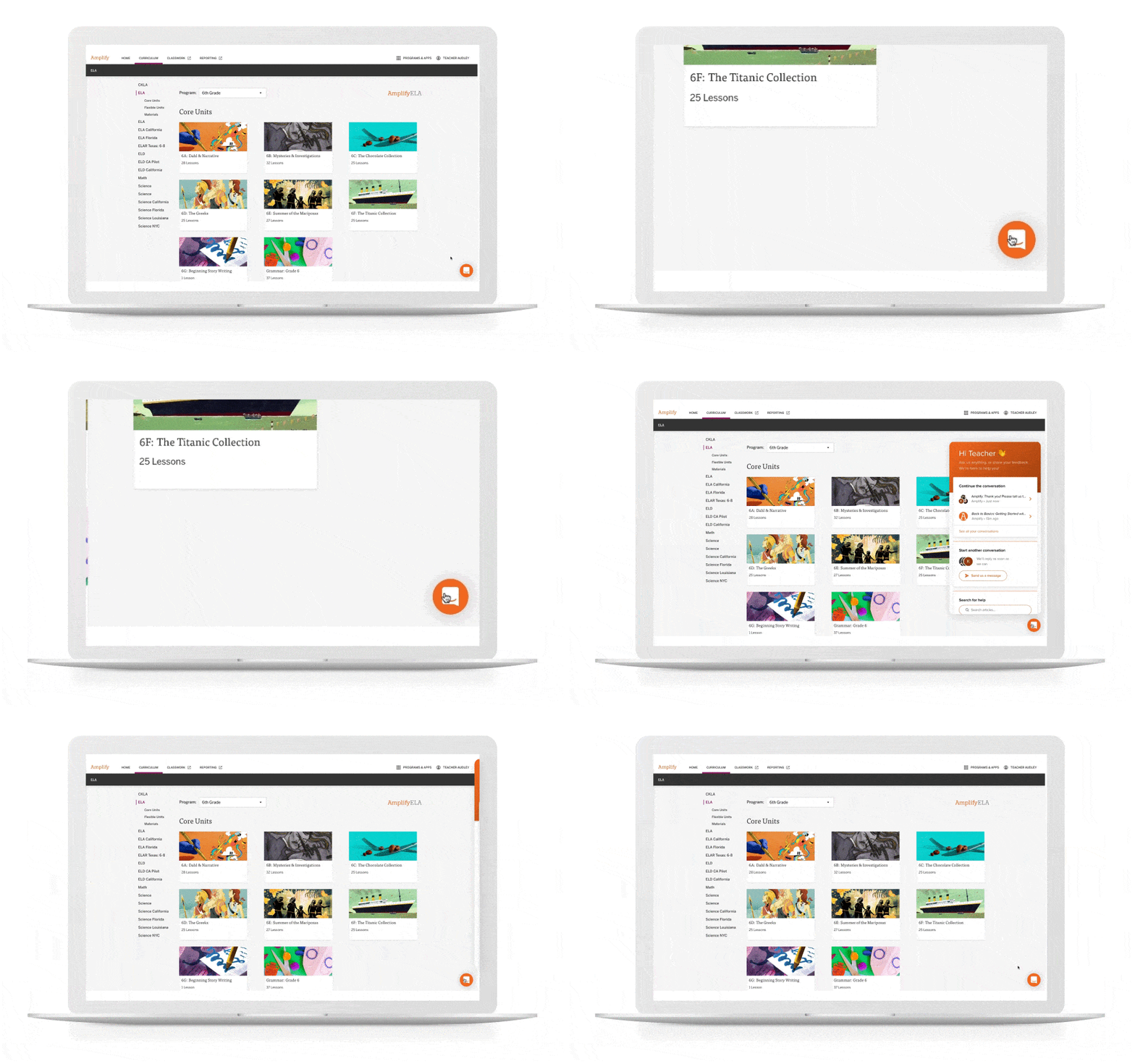
Our chat agents are standing by to assist you!
Simply log in at learning.amplify.com and click the orange button in the bottom right corner to chat live with our support team.
Important to Note
Our support hours are Monday through Friday, 4 a.m. to 4 p.m. PT.
Don’t have a login yet?
Email us: help@amplify.com
Call us: +1 (800) 823-1969